
Retail stores
WhatsApp for retail stores: new arrivals your customers actually read
A story disappears after 24 hours and a text message goes unnoticed. A WhatsApp message with a great photo gets read. automatesend lets you send it to all your customers at once, without copying numbers one by one.
Meta's official WhatsApp Business API


Hi Nadia, our new autumn collection is in store 🍂 Abayas, kimonos and silk scarves, sizes 36 to 46. Reply STOP to unsubscribe.18:00
- Reserve an item
- Get directions
Private sale tomorrow from 10 am to 1 pm, for our loyal customers only: 30% off the whole store. Show this message at checkout. Reply STOP to unsubscribe.18:02
What you send on WhatsApp
Example messages, ready to adapt to your business.
New arrivals
Snap the new collection, pick your customers and send. The button leads to your page or offers to reserve.
Example message
Hi Nadia, our new autumn collection is in store 🍂 Abayas, kimonos and silk scarves, sizes 36 to 46. Reply STOP to unsubscribe.10:24
- Reserve an item
- Get directions
Sales and private events
Tell your best customers a day before everyone else: one "VIP" tag and the send is ready.
Example message
Private sale tomorrow from 10 am to 1 pm, for our loyal customers only: 30% off the whole store. Show this message at checkout. Reply STOP to unsubscribe.10:24
Back in stock
A customer asked for a size that sold out? Let her know as soon as it's back.
Example message
Hi Leila, the navy blue kaftan is back in size 40. Shall we keep it for you until Saturday?10:24
- Yes, please
- No, thanks
Birthdays and loyalty
Create a tag for each birthday month and schedule the message: customers feel remembered.
Example message
Happy birthday Sara 🎉 The whole team is giving you 15% off any item this week. Reply STOP to unsubscribe.10:24
What automatesend does for you
Excel import
Your customer file (Excel or CSV) is imported in one go, and numbers are converted to international format automatically.
Tags
VIP, women, men, neighborhood, last purchase: every campaign reaches the right people.
Scheduled campaigns
Write the message in the evening; it goes out at 10 am the next day while you open the store.
Live reads and replies
See who received, who read and who replied. Replies land in your team inbox.
Ready to send in three steps
- 1
Connect your number
Your WhatsApp Business number is linked to automatesend in a few minutes, through Meta. It can stay in the app on your phone.
- 2
Import your contacts
An Excel or CSV file is all you need. Numbers are converted to international format automatically.
- 3
Send and track
Your messages go out at the right pace, and you see who received them, read them and replied.
Frequently asked questions
How do I send a WhatsApp message to all my customers at once?
Import your customer list into automatesend, write your message (with a photo and a button if you like), get it approved by WhatsApp and send. Each customer receives it as a private message with their first name, not in a group.
How is this different from a WhatsApp Business broadcast list?
A broadcast list in the app only reaches customers who saved your number, and you send by hand with no analytics. automatesend uses the official API: the message arrives even if the customer hasn't saved your number, and you track every read.
Do I need my customers' consent?
Yes. WhatsApp requires customers to agree to receive your messages, for example at checkout or on your website. automatesend keeps a record of that consent and unsubscribes anyone who replies STOP.
Can I keep my store's phone number?
Yes, if the number isn't used in the WhatsApp app, or once you remove it from the app. Many shop owners pick a dedicated number for campaigns and keep their usual number for calls.
Other industries
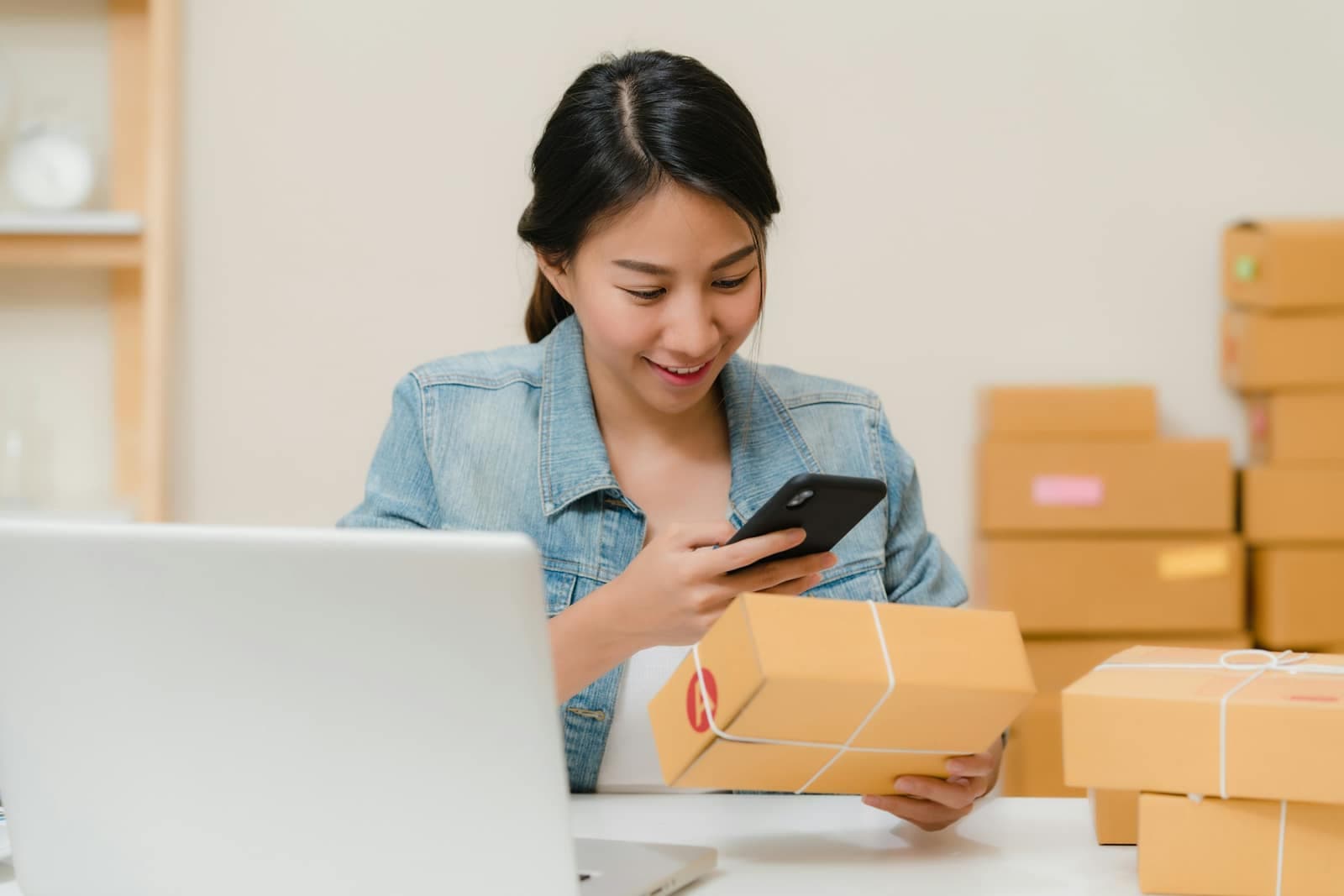 EcommerceConfirm cash-on-delivery orders, recover abandoned carts and notify customers when parcels ship.
 Restaurants and cafésOrders, table bookings, daily specials and offers for quiet days, on WhatsApp.
 Beauty salons and spasAppointment reminders, last-minute slots and offers that bring clients back.
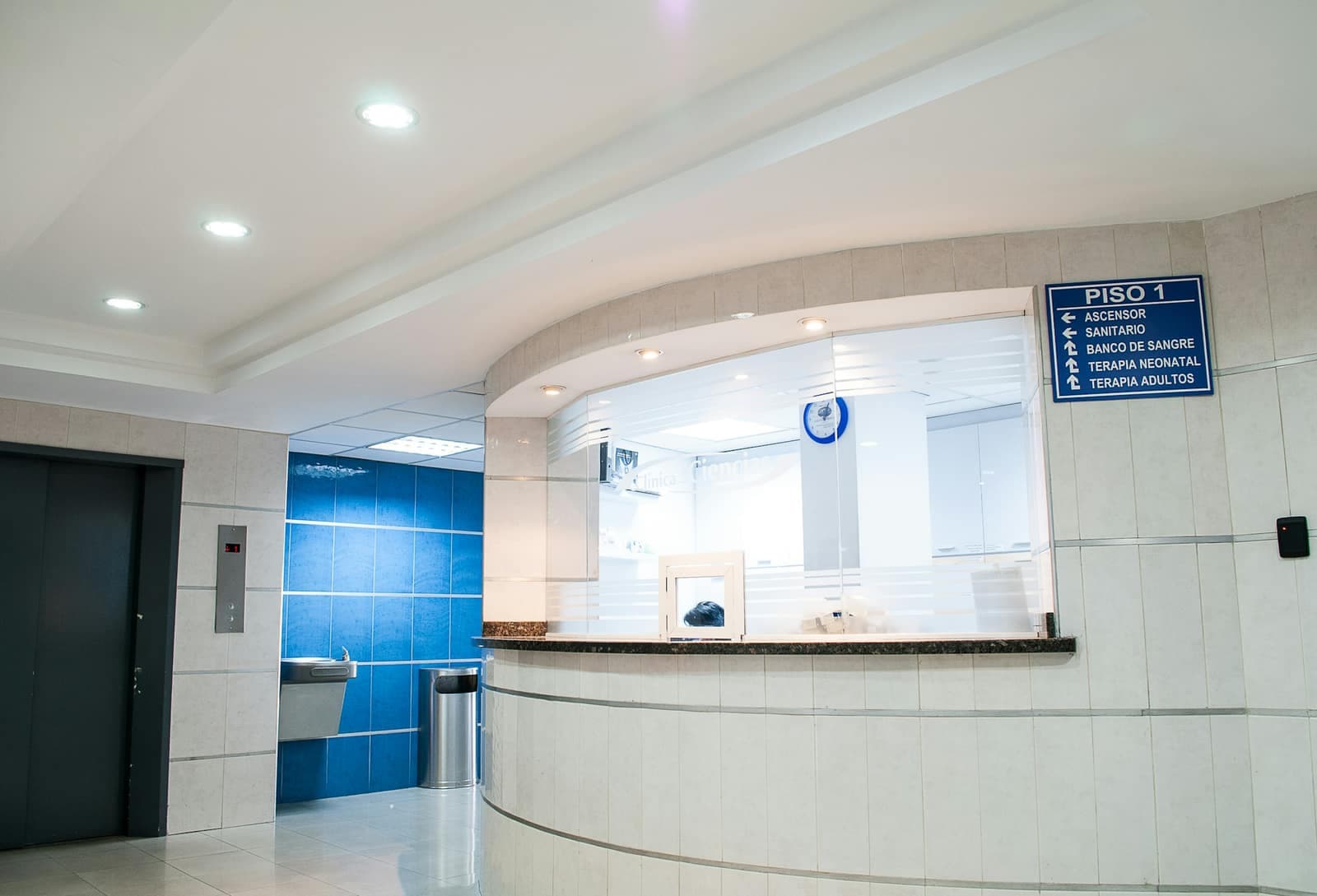 Clinics and medical practicesAppointment reminders, practical information and answers to patients' questions.
 Real estateNew listings to the right buyers, leads followed up and viewings confirmed, on one number.
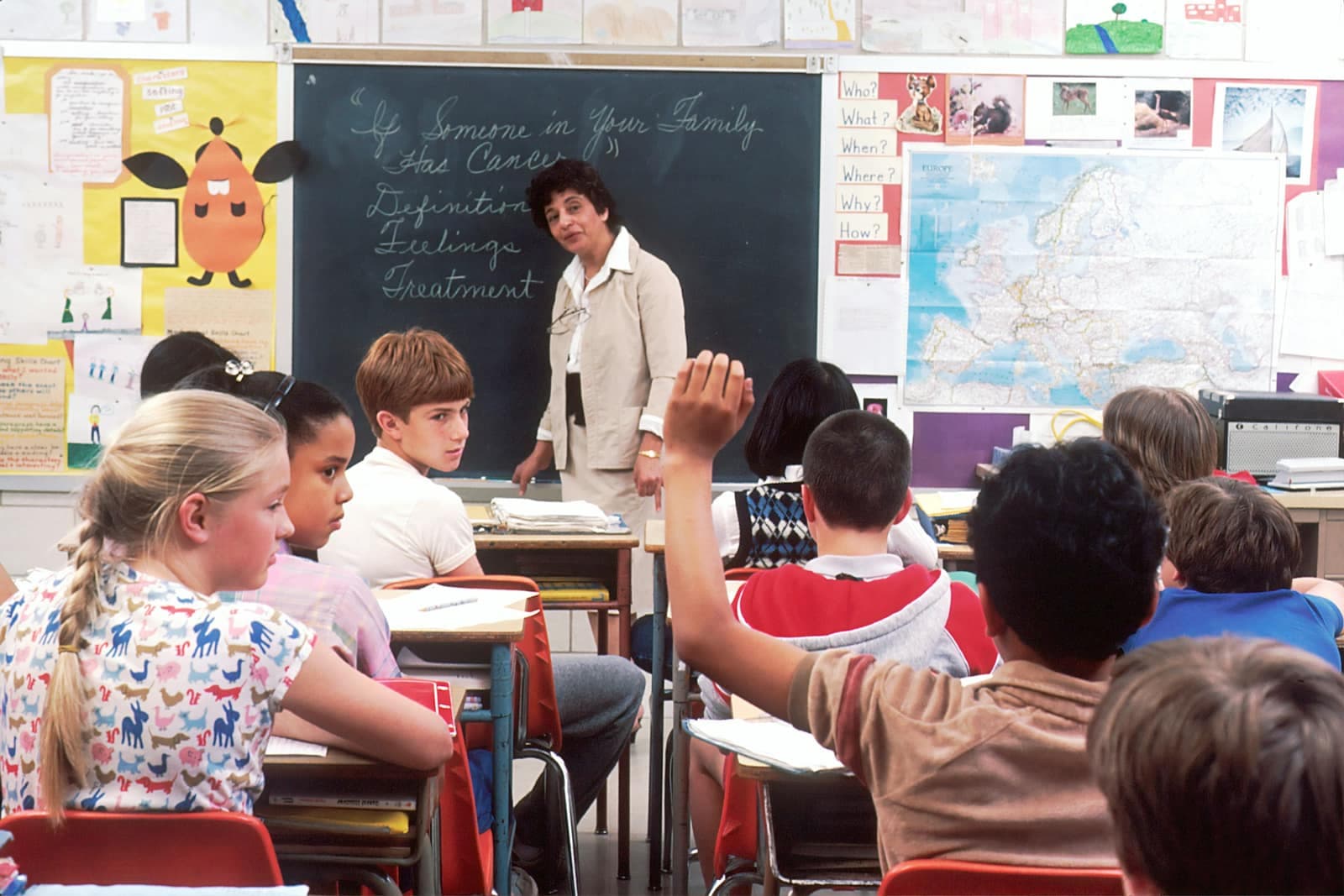 Schools and training centersUpdates for parents, enrollment reminders and replies to families, without WhatsApp groups.
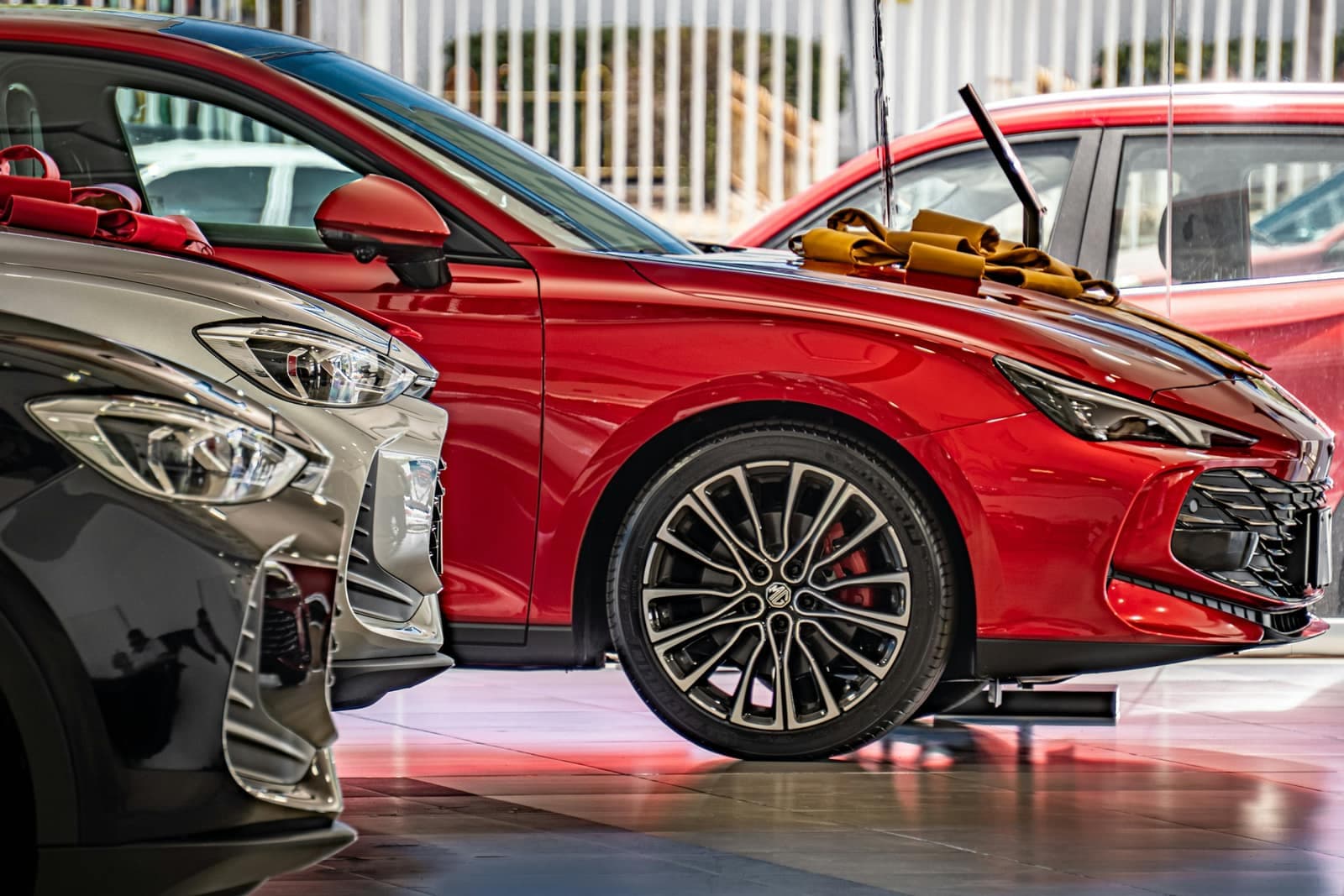 Car dealers and garagesService reminders, car-ready alerts, test drives and rentals: dealers, garages and rental agencies.
 Hotels, riads and travel agenciesBooking confirmations, arrival details and seasonal offers for your guests.
 Marketing agenciesRun your clients' WhatsApp under your own brand, with one workspace per client.

Try automatesend with your customers
Create your account, try everything with the simulator, then connect your number. We guide you every step of the way.