
WhatsApp Business for every industry
Your customers read WhatsApp before their emails and texts. Here, industry by industry, are the messages that bring customers back, and how to send them with Meta's official API.
Meta's official WhatsApp Business API
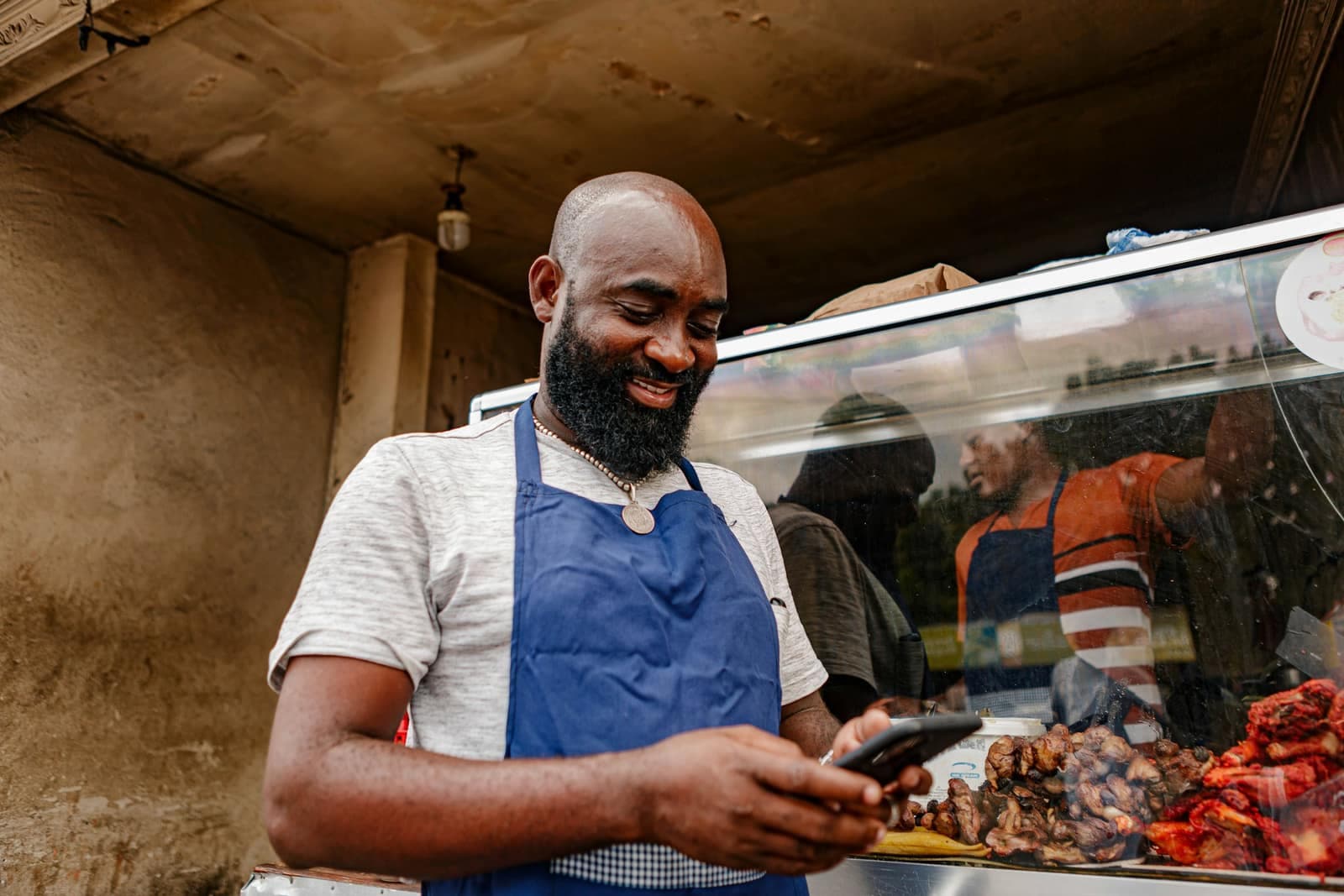
 EcommerceConfirm cash-on-delivery orders, recover abandoned carts and notify customers when parcels ship.
 Retail storesAnnounce new arrivals, sales and restocks to all your customers, with a photo and a button.
 Restaurants and cafésOrders, table bookings, daily specials and offers for quiet days, on WhatsApp.
 Beauty salons and spasAppointment reminders, last-minute slots and offers that bring clients back.
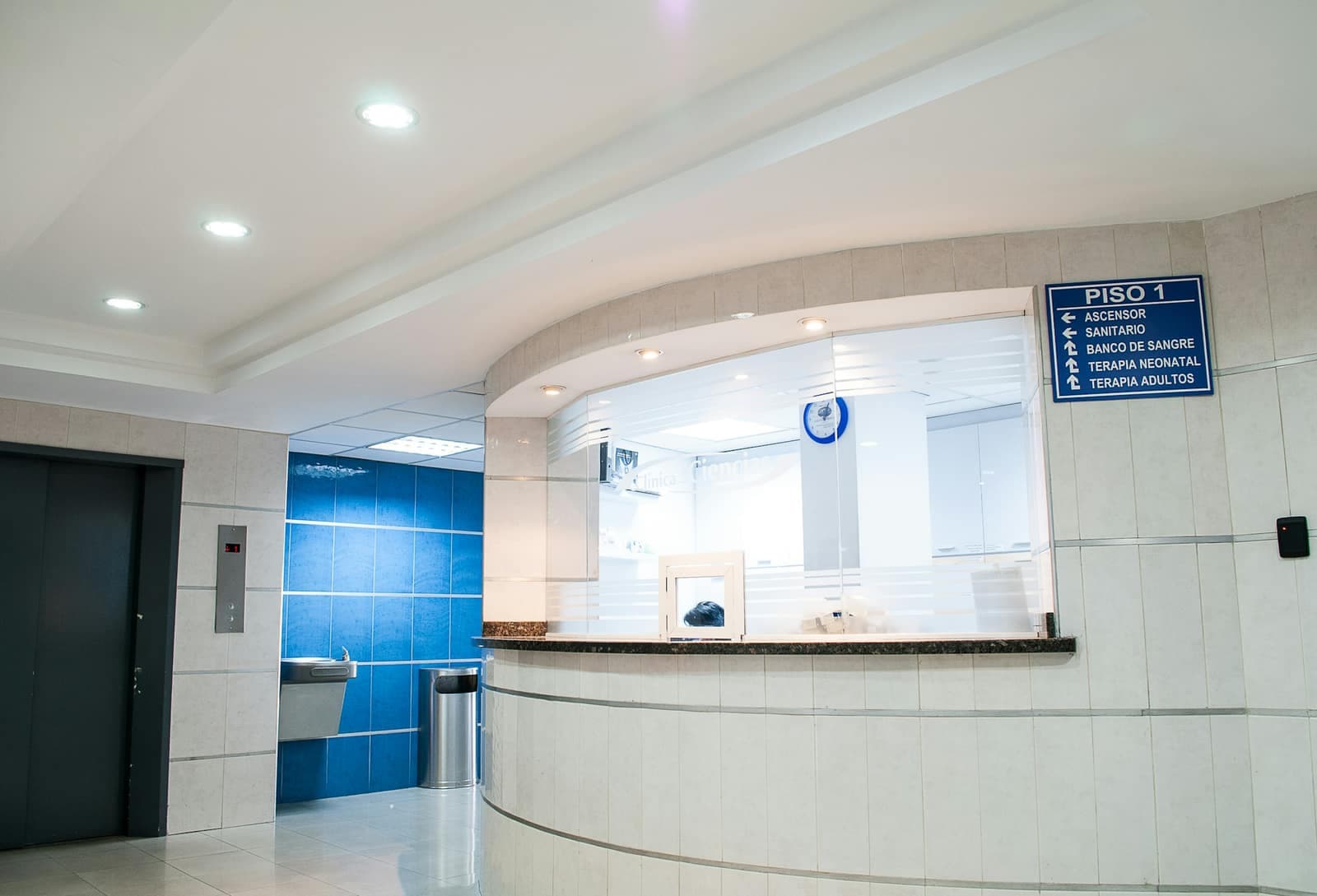 Clinics and medical practicesAppointment reminders, practical information and answers to patients' questions.
 Real estateNew listings to the right buyers, leads followed up and viewings confirmed, on one number.
 Schools and training centersUpdates for parents, enrollment reminders and replies to families, without WhatsApp groups.
 Car dealers and garagesService reminders, car-ready alerts, test drives and rentals: dealers, garages and rental agencies.
 Hotels, riads and travel agenciesBooking confirmations, arrival details and seasonal offers for your guests.
 Marketing agenciesRun your clients' WhatsApp under your own brand, with one workspace per client.
Ready to send in three steps
- 1
Connect your number
Your WhatsApp Business number is linked to automatesend in a few minutes, through Meta. It can stay in the app on your phone.
- 2
Import your contacts
An Excel or CSV file is all you need. Numbers are converted to international format automatically.
- 3
Send and track
Your messages go out at the right pace, and you see who received them, read them and replied.

Try automatesend with your customers
Create your account, try everything with the simulator, then connect your number. We guide you every step of the way.