
WhatsApp campaigns
WhatsApp campaigns your customers actually read
Choose who to message, add each customer's first name, an image and buttons, then send now or at the time you choose. You then see live who received, read and replied.
- Included in every plan.
- Meta's official WhatsApp Business API
Campaign
Autumn sale
Hi Salma 👋
The autumn sale starts tomorrow at Maison Lina: 20% off the whole collection, until Sunday.
Reply STOP to stop receiving our offers.
- Salma Bennani+212 6 61 •• •• 24
- Youssef Alaoui+212 6 70 •• •• 81
- Imane Kettani+212 6 62 •• •• 09
What you can do
Personalized messages
Customer's first name, an image or video at the top, “See the offer” or “Order now” buttons: the editor shows the message exactly as it will look on the phone.
The right recipients
Included or excluded tags, customers who ordered, came from an ad or were added recently: target without exporting a file.
Send now or later
The estimated cost shows before sending. Messages go out at the pace allowed for your number.
Live tracking
Sent, delivered, read, replies and failures, campaign by campaign. Pause, resume, cancel or duplicate in one click.
Tracked links and A/B tests
Count clicks on your links, compare two versions of a message, and follow up with those who didn't read or reply.
Your number protected
“STOP” unsubscribes automatically, a cap limits marketing messages per customer, and the campaign pauses if WhatsApp lowers your number's rating.
How it works
- 1
Import your contacts
An Excel or CSV file: columns are recognized and numbers converted to international format.
- 2
Write your message
Start from a template, add the first name and buttons. WhatsApp approves it, often within minutes.
- 3
Send and track
Choose the recipients and the time, then follow reads and replies live.
Most useful for
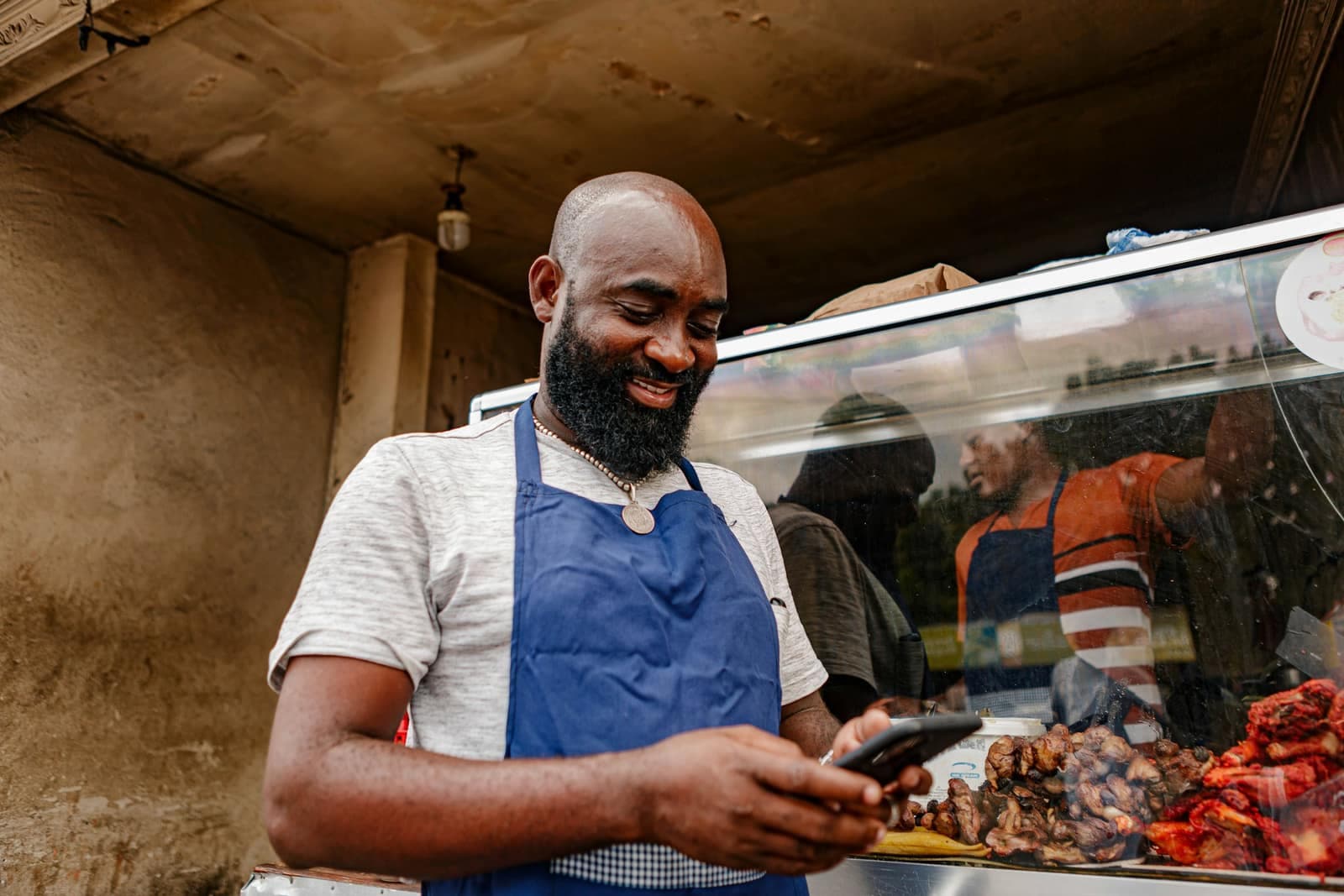
 Retail storesAnnounce new arrivals, sales and restocks to all your customers, with a photo and a button.
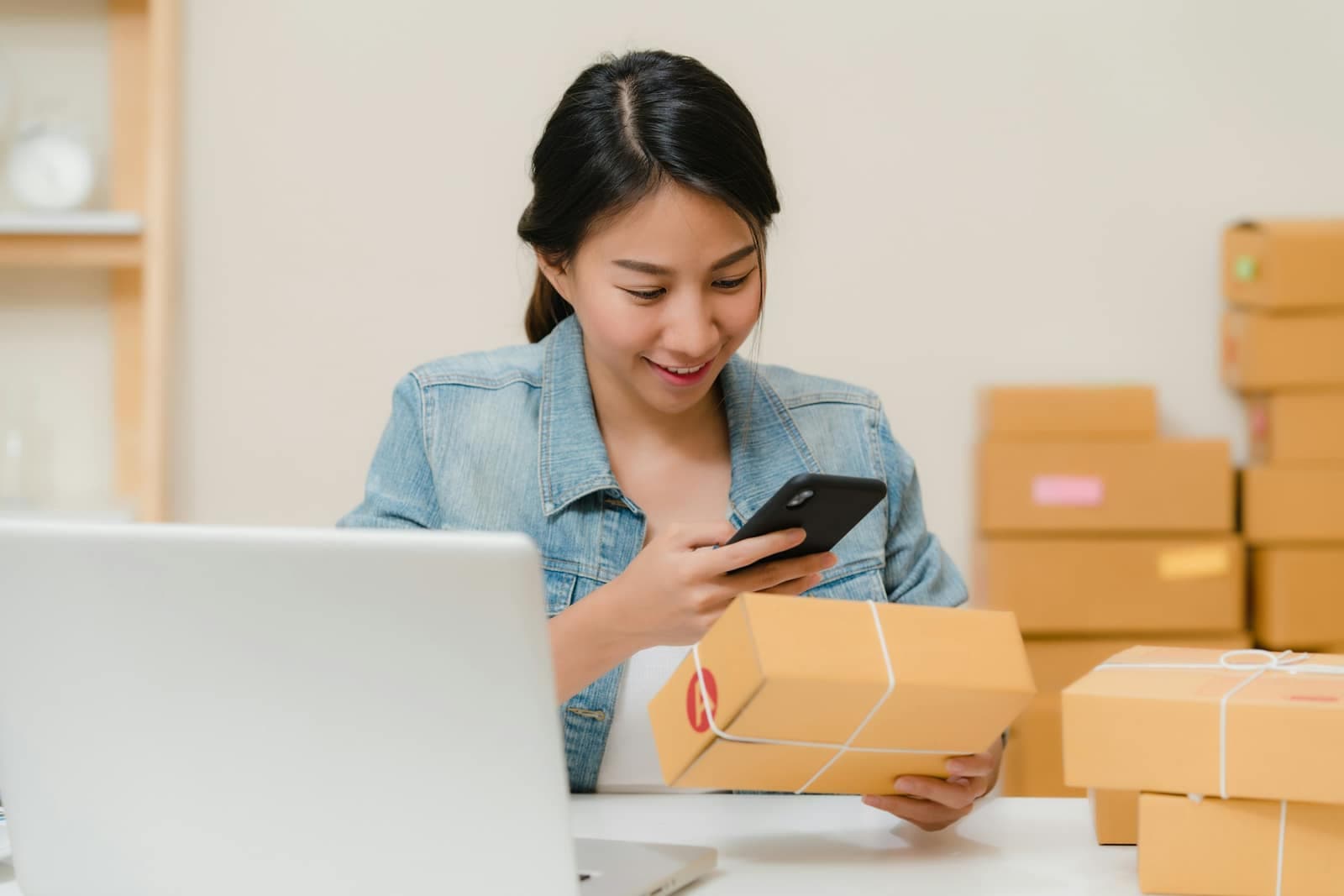 EcommerceConfirm cash-on-delivery orders, recover abandoned carts and notify customers when parcels ship.
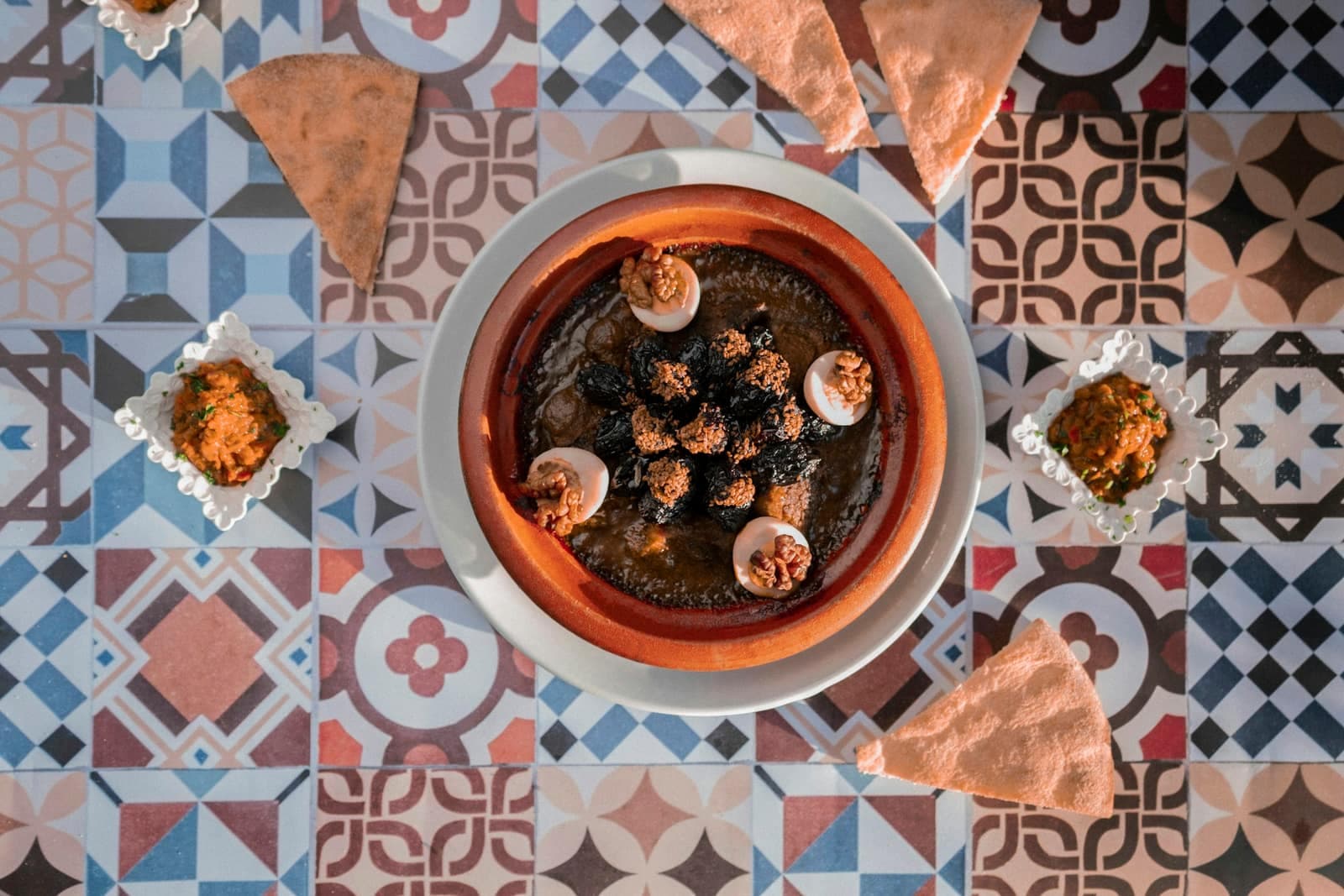 Restaurants and cafésOrders, table bookings, daily specials and offers for quiet days, on WhatsApp.
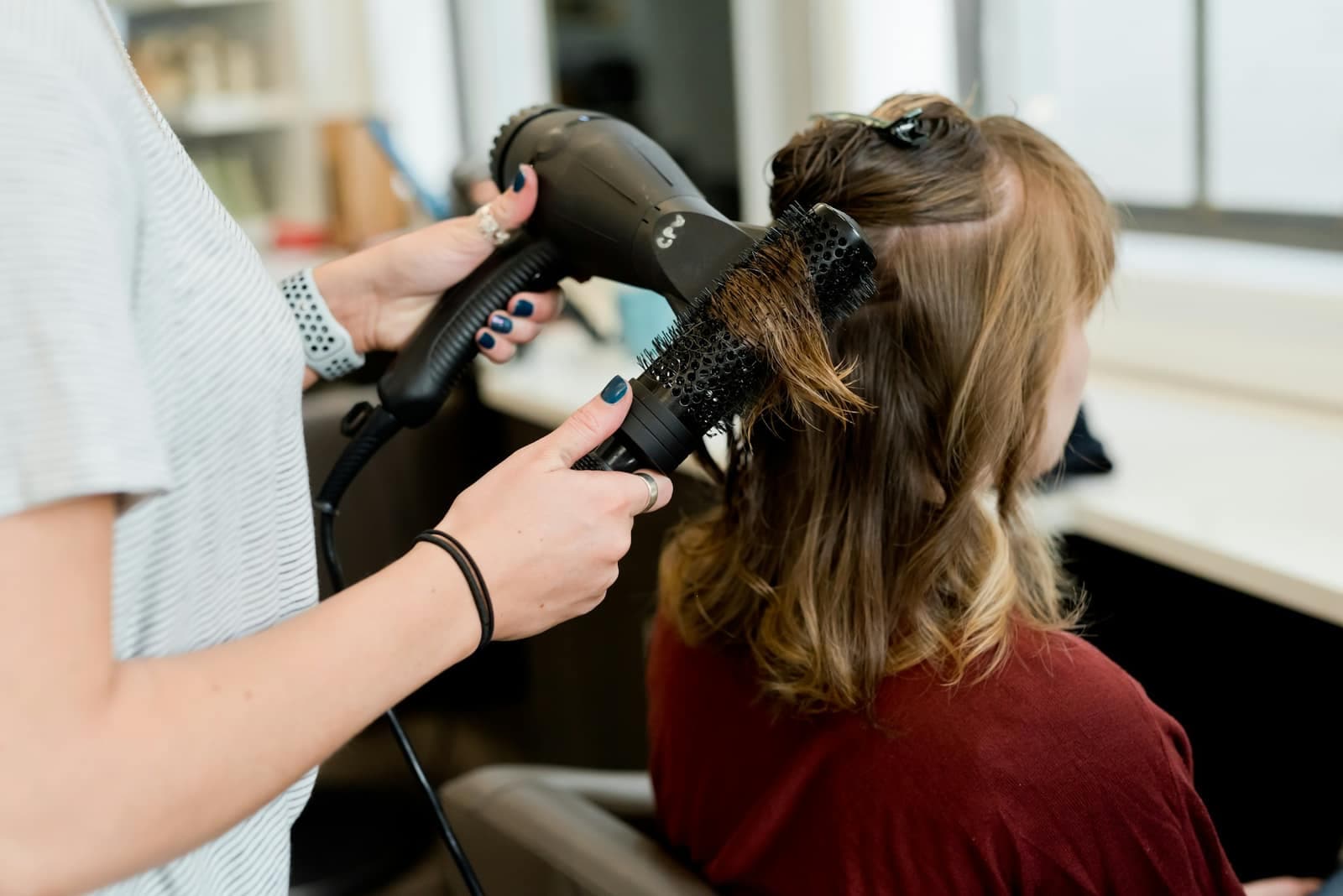 Beauty salons and spasAppointment reminders, last-minute slots and offers that bring clients back.
Frequently asked questions
How many messages can I send?
Your plan sets the number of campaigns per month; the number of messages per day depends on the limit Meta gives your number, which grows with the quality of your sends. automatesend respects that limit for you.
How much does a campaign message cost?
Meta charges each delivered marketing message directly to your account, at the rate of the customer's country (about $0.04 in Morocco). The estimated cost shows before each send. automatesend takes no margin.
Why does WhatsApp have to approve my message?
To message a customer who hasn't written to you in the last 24 hours, WhatsApp requires an approved message template. automatesend submits it for approval and tells you the result.
What if a customer no longer wants messages?
They reply STOP (or tap “Unsubscribe”): they are removed from your next sends and get a confirmation. If they write START, they are subscribed again.
Other features

Shared inbox
All your WhatsApp conversations in one place, shared between your team members.
Learn more
AI assistant
It answers your customers in French, Arabic and Darija, day and night, using your own information.
Learn moreE-commerce orders
Every order confirmed on WhatsApp before shipping, and the customer kept informed at each delivery step.
Learn more

Try automatesend with your customers
Create your account, try everything with the simulator, then connect your number. We guide you every step of the way.