
Clinics and medical practices
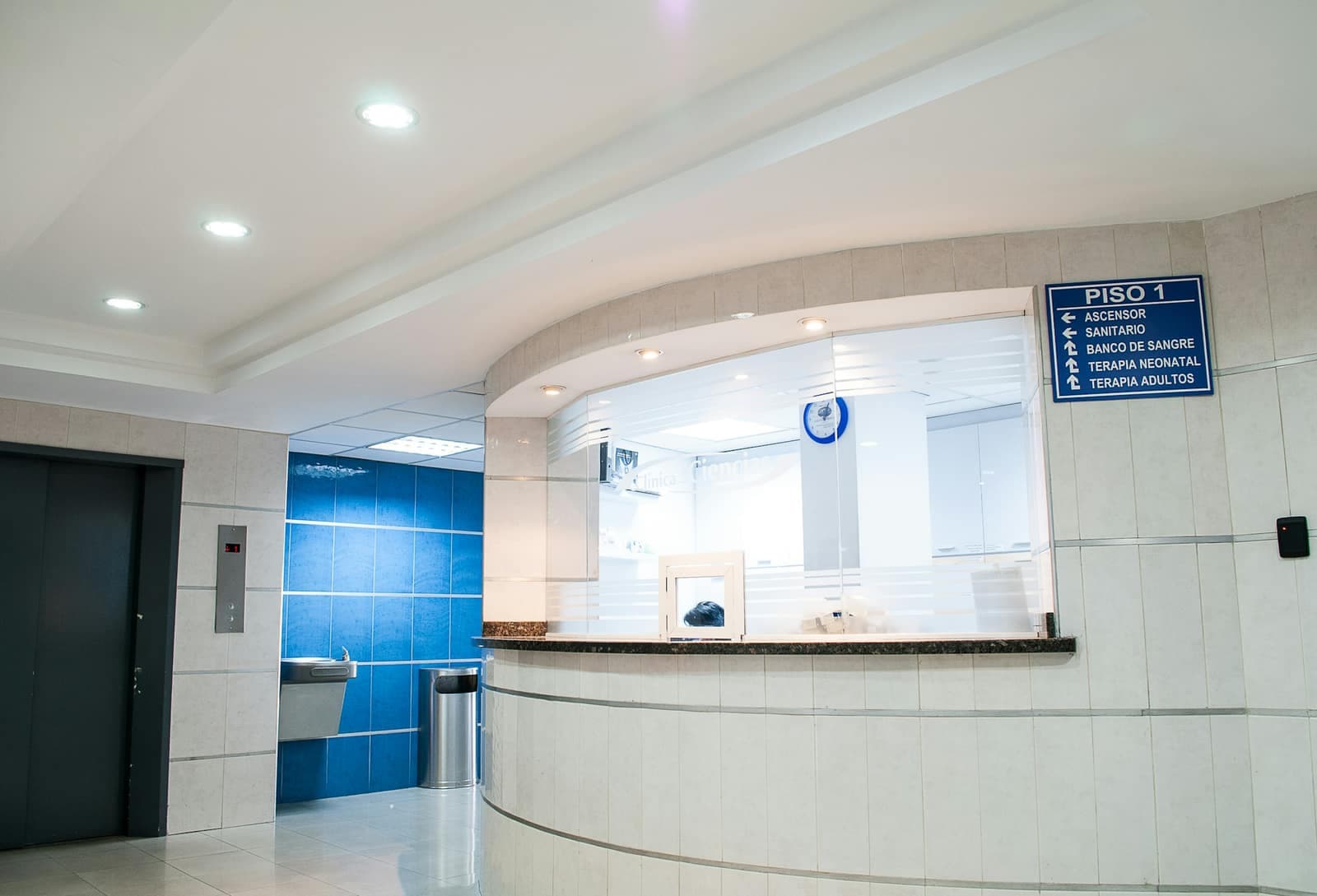
WhatsApp for clinics and medical practices: a calmer front desk
The practice phone rings all day with practical questions: hours, address, documents to bring. automatesend answers these questions on WhatsApp, reminds patients of their appointments and brings the front desk's messages into one tool.
Meta's official WhatsApp Business API

Hello Mr. Benali, a reminder of your appointment tomorrow at 9:30 am at Dr. Alami's practice, Maarif. Please bring your health insurance card and your latest test results.18:00
- Confirm
- Reschedule
Hello, this is Dr. Alami's office. The doctor can see you on Thursday at 11 am or Friday at 4 pm. Which slot works for you?18:02
- Thursday 11 am
- Friday 4 pm
What you send on WhatsApp
Example messages, ready to adapt to your business.
Appointment reminders
The day before, the patient gets the date, time and documents to bring, and confirms in one tap.
Example message
Hello Mr. Benali, a reminder of your appointment tomorrow at 9:30 am at Dr. Alami's practice, Maarif. Please bring your health insurance card and your latest test results.10:24
- Confirm
- Reschedule
Booking appointments
The patient writes in, the front desk offers two slots, and the patient picks one in a tap.
Example message
Hello, this is Dr. Alami's office. The doctor can see you on Thursday at 11 am or Friday at 4 pm. Which slot works for you?10:24
- Thursday 11 am
- Friday 4 pm
Practical information
Hours, address, how to prepare for a test: answers go out automatically, day and night.
Example message
The practice is open Monday to Friday, 9 am to 6 pm, and Saturday mornings. For a blood test, please come fasting. Address: 12 rue Ibnou Mounir, Casablanca.10:24
Results ready
Let patients know their results are ready, without ever putting medical information in the message.
Example message
Hello Mrs. Tazi, your results are ready at the lab. You can pick them up during opening hours with your ID.10:24
What automatesend does for you
Automatic replies
Hours, address, consultation fee, documents: frequent questions get an instant answer.
Away message
In the evening and at weekends, patients know when the practice reopens and which number to call in an emergency.
Shared inbox
Several receptionists on one number, each conversation assigned, nothing forgotten.
Scheduled reminders
Tomorrow's reminders go out at the time you choose; on the Agency plan, your practice software can trigger them through the API.
Ready to send in three steps
- 1
Connect your number
Your WhatsApp Business number is linked to automatesend in a few minutes, through Meta. It can stay in the app on your phone.
- 2
Import your contacts
An Excel or CSV file is all you need. Numbers are converted to international format automatically.
- 3
Send and track
Your messages go out at the right pace, and you see who received them, read them and replied.
Frequently asked questions
Can I use WhatsApp for medical appointment reminders?
Yes. Appointment reminders are utility messages allowed by WhatsApp. The patient needs to have shared their number and agreed to be contacted on WhatsApp, for example when booking.
Is patient data protected?
Messages go through Meta's official API over an encrypted connection, and access to automatesend is protected by account and role. To be safe, never write a diagnosis or a result in a message: only say that the result is ready.
Can patients reply to cancel?
Yes. Their replies, including the "Confirm" and "Reschedule" buttons, arrive in the front desk inbox, which frees up or moves the slot.
Do I need a dedicated number for the practice?
It's recommended: a number reserved for the front desk, connected to automatesend and shared by the whole team. This number can't be used in the WhatsApp app at the same time.
Other industries
 EcommerceConfirm cash-on-delivery orders, recover abandoned carts and notify customers when parcels ship.
 Retail storesAnnounce new arrivals, sales and restocks to all your customers, with a photo and a button.
 Restaurants and cafésOrders, table bookings, daily specials and offers for quiet days, on WhatsApp.
 Beauty salons and spasAppointment reminders, last-minute slots and offers that bring clients back.
 Real estateNew listings to the right buyers, leads followed up and viewings confirmed, on one number.
 Schools and training centersUpdates for parents, enrollment reminders and replies to families, without WhatsApp groups.
 Car dealers and garagesService reminders, car-ready alerts, test drives and rentals: dealers, garages and rental agencies.
 Hotels, riads and travel agenciesBooking confirmations, arrival details and seasonal offers for your guests.
 Marketing agenciesRun your clients' WhatsApp under your own brand, with one workspace per client.

Try automatesend with your customers
Create your account, try everything with the simulator, then connect your number. We guide you every step of the way.