
WhatsApp on your phone
Keep WhatsApp Business on your phone
No need to choose between the app and the API: your number stays on the phone and also comes into automatesend. Reply from either side, and the whole team sees the same conversation.
- Included in every plan.
- Meta's official WhatsApp Business API


Hello, do you deliver to Agadir?18:00
Yes, within 48 hours. I'll send you the order link.18:02
What you can do
The same number
No new number to announce to your customers: the one they know keeps working.
Contacts and history imported
Your contacts and up to 6 months of conversations arrive in automatesend as soon as you connect.
Both sides in sync
Messages written from the phone show in the inbox, marked “sent from the phone”.
All the API features
Campaigns, AI assistant, order confirmations and analytics all work with this number.
Official Meta connection
The link is made in a Facebook window, then with a QR code: nothing unofficial, no risk to the number.
Your team as backup
Keep the phone for your regulars; the team and the AI assistant handle the rest.
How it works
- 1
Open the Facebook window
From automatesend, choose to keep the WhatsApp Business app and connect your Meta Business account.
- 2
Scan the QR code
With the WhatsApp Business app on your phone, just like WhatsApp Web.
- 3
Find everything
Contacts and history arrive; new messages show on both sides.
Most useful for
 Retail storesAnnounce new arrivals, sales and restocks to all your customers, with a photo and a button.
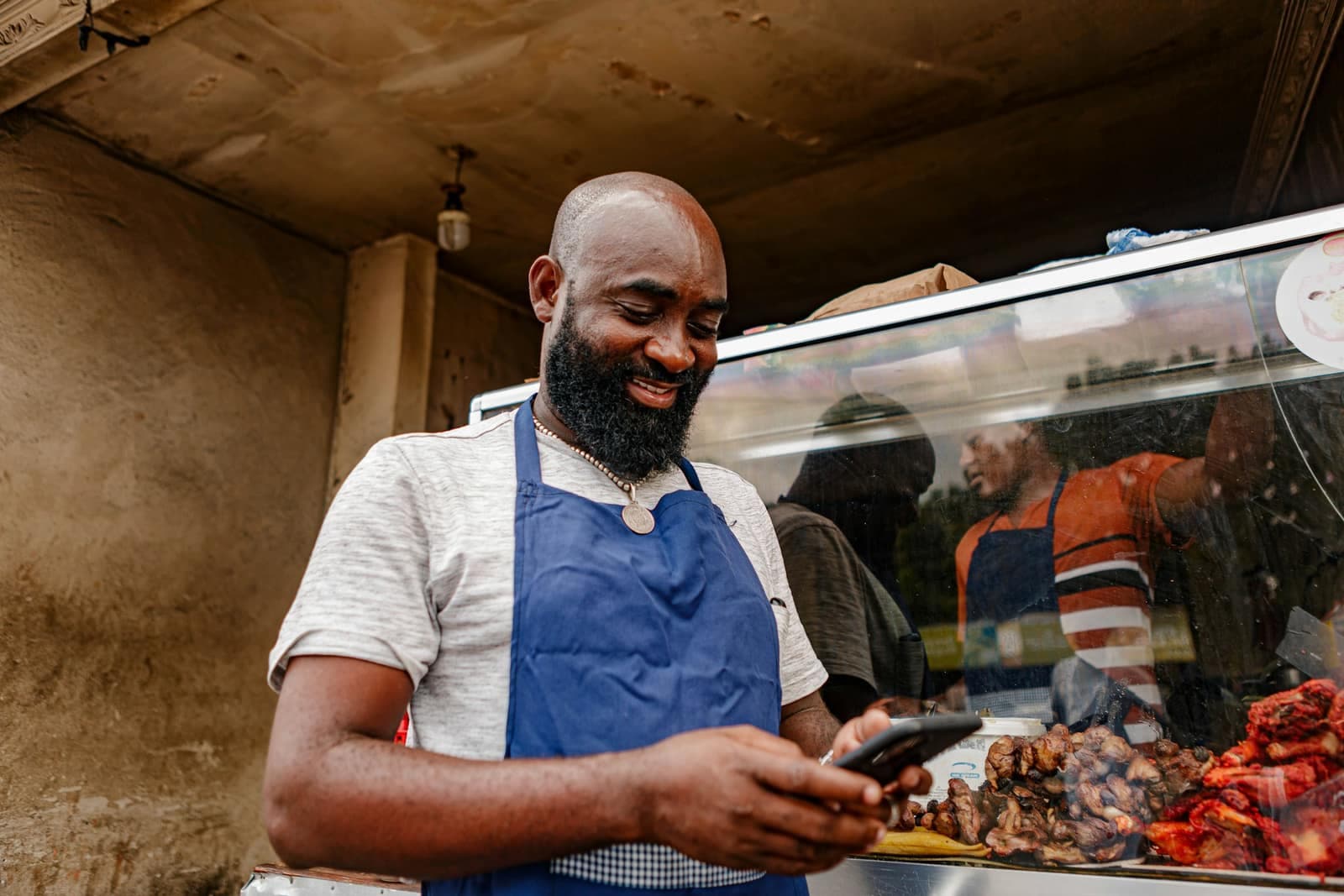
 Restaurants and cafésOrders, table bookings, daily specials and offers for quiet days, on WhatsApp.
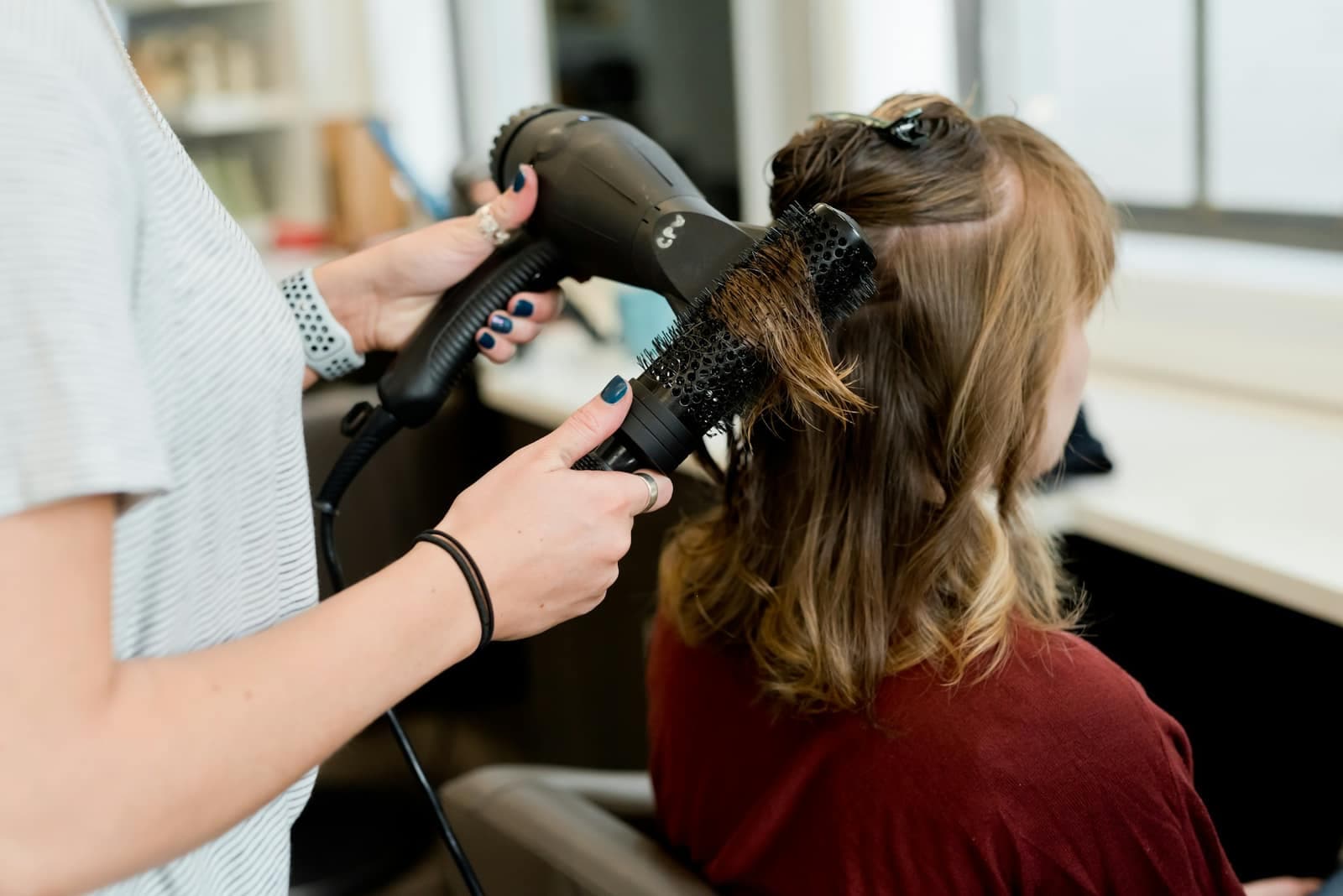 Beauty salons and spasAppointment reminders, last-minute slots and offers that bring clients back.
 Real estateNew listings to the right buyers, leads followed up and viewings confirmed, on one number.
Frequently asked questions
Do I need a new number?
No, that's the whole point: the number of your WhatsApp Business app stays the same and keeps working on the phone.
How long does it take to connect?
A few minutes: a Facebook window to link your Meta Business account, then a QR code to scan with the app.
Are my old conversations brought over?
Yes: your contacts and up to 6 months of conversations are imported into automatesend when you connect.
Other features
WhatsApp campaigns
Send an offer to all your customers, with their first name, an image and buttons, and see who read it.
Learn more
Shared inbox
All your WhatsApp conversations in one place, shared between your team members.
Learn more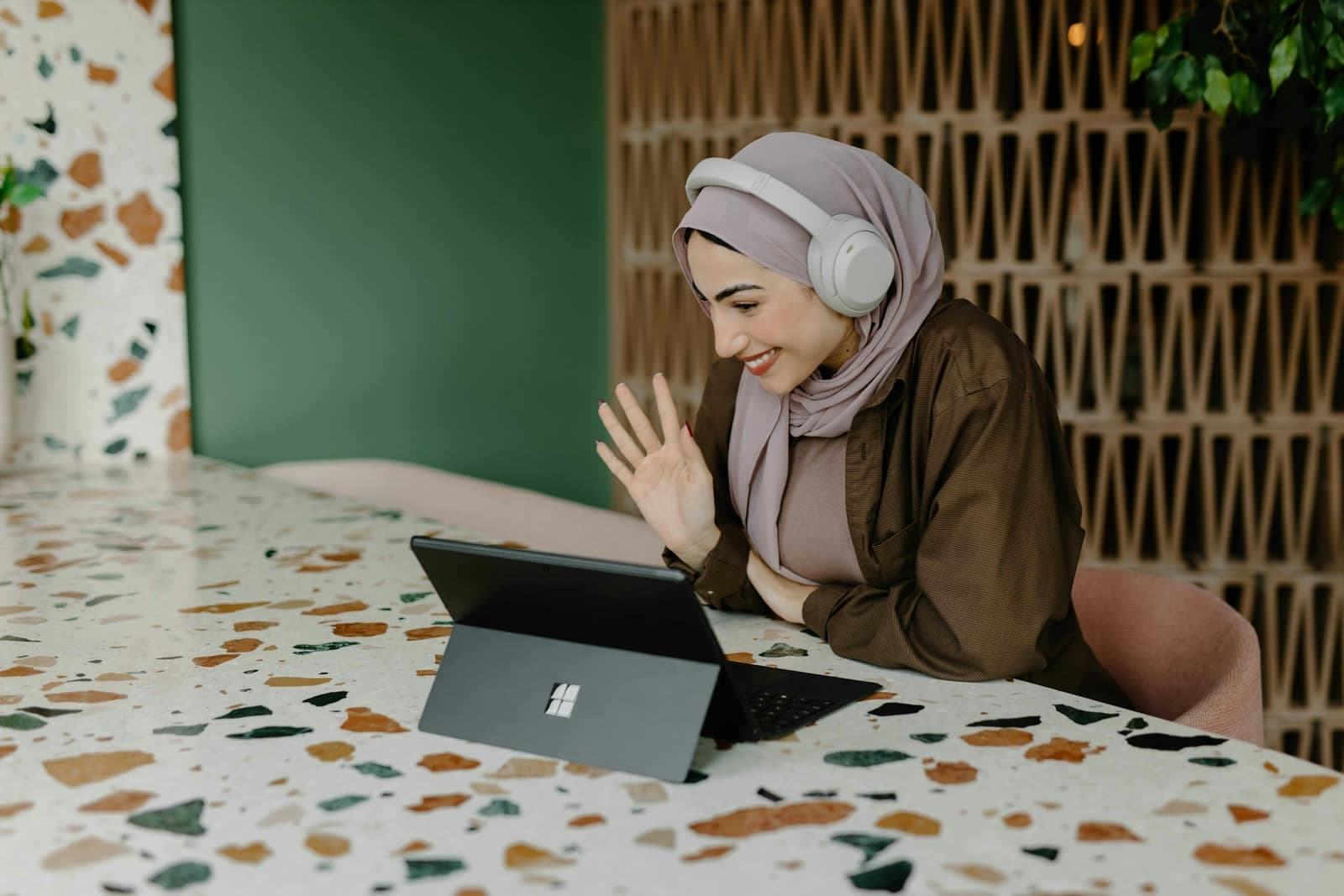
AI assistant
It answers your customers in French, Arabic and Darija, day and night, using your own information.
Learn more

Try automatesend with your customers
Create your account, try everything with the simulator, then connect your number. We guide you every step of the way.